
Browser Extensions
Use our web extensions to save even more time, just open a property detail page on Zillow, Redfin, and Realtor in Chrome or Safari and activate the extension to get analysis right there!
Extension
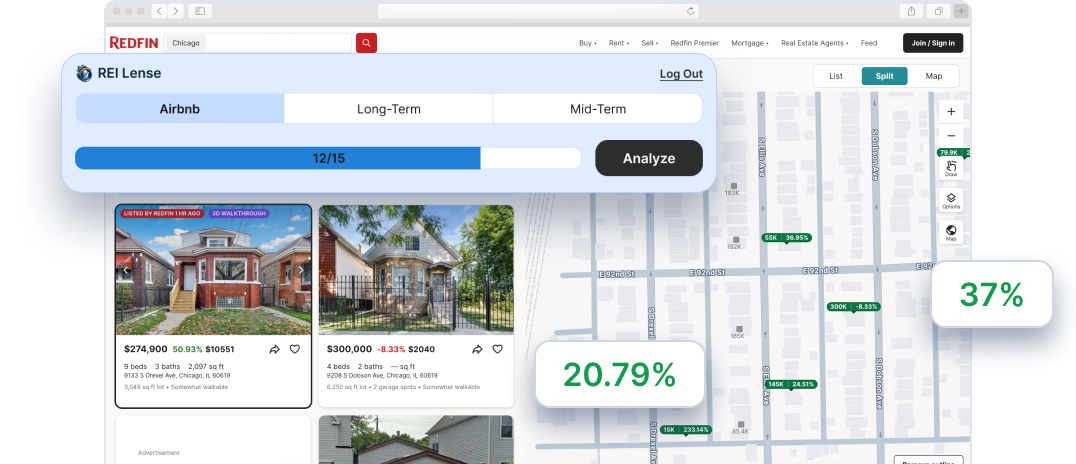
City Lense
Scan every listing in a selected map area on Zillow, Redfin, and Realtor, scored across all 3 rental strategies: short-, mid-, and long-term.
Extension
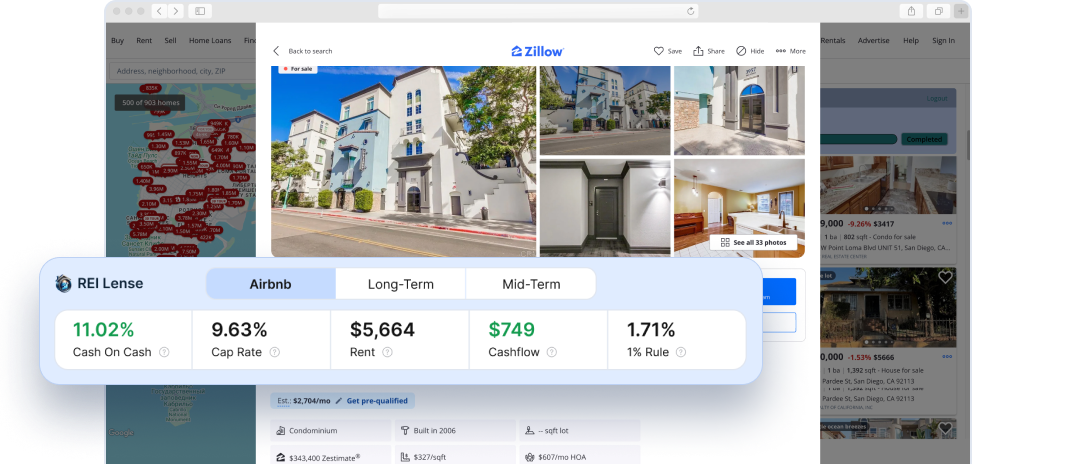
Property Lense
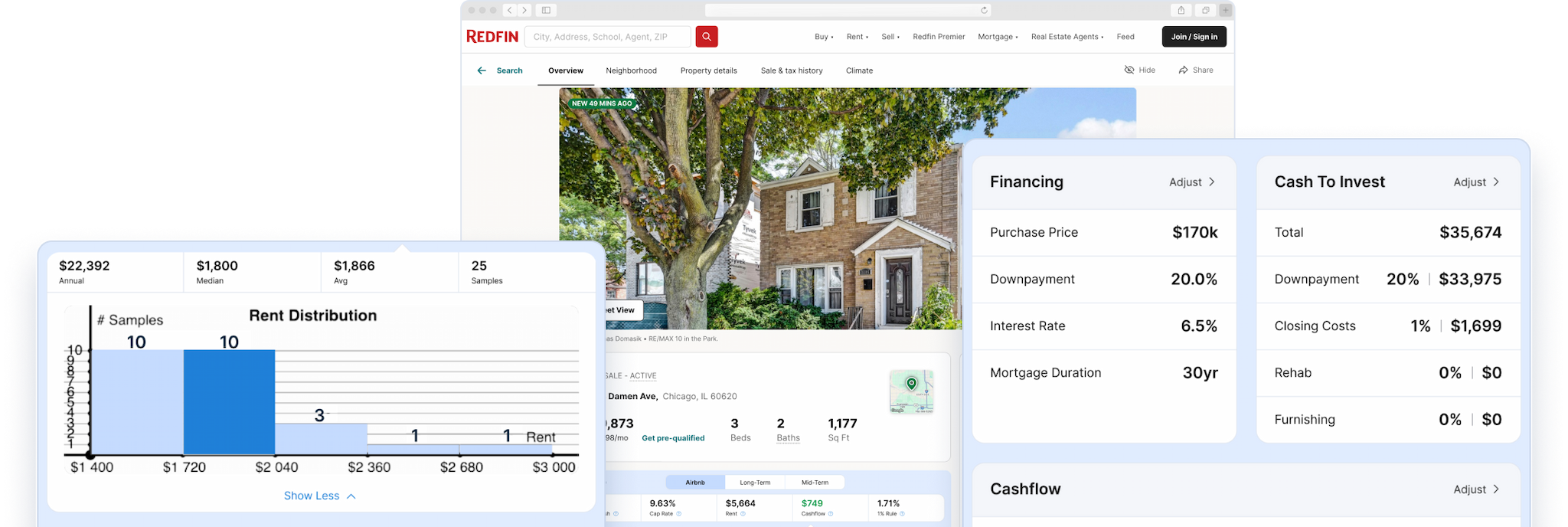
Analyze a single listing in place — 5 metrics: cash-on-cash, cap rate, DSCR, rent estimate, and monthly cash flow — without leaving the page.
Browser Extensions
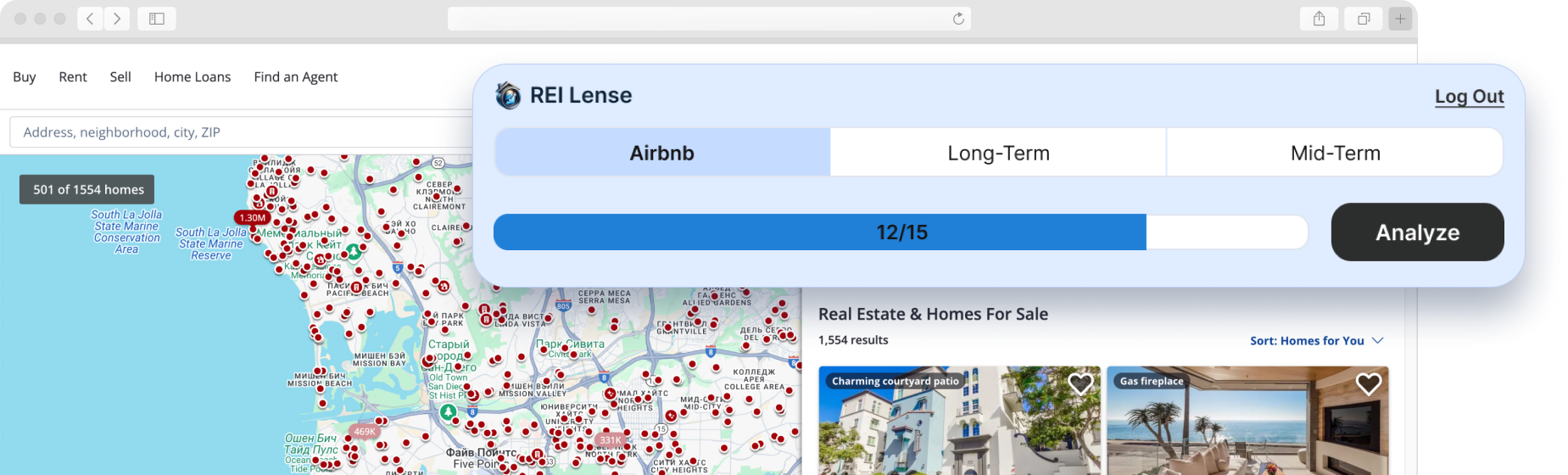
For added convenience, you can use our browser extension to instantly analyze properties while browsing sites like Zillow, Redfin or Realtor.
FAQ
Can you analyze a rental property directly from Zillow or Redfin?
How do you quickly screen dozens of investment properties?
What metrics should I check on every listing before making an offer?
What is the difference between City Lense and Property Lense?